Stories, lessons, trails and news for curious kids.
Four apps from Sparks. Sparks answers big questions with stories, Noted turns any topic into a short lesson, SparkTrails makes a treasure hunt of any walk, and News explains the day’s stories every morning. One family account keeps them together.
SparksAges 6 to 12
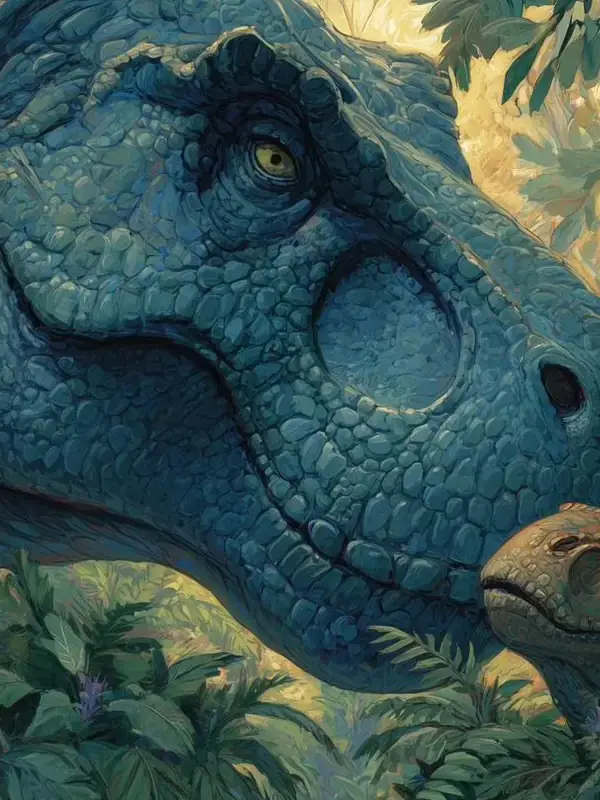
Big questions, brilliant stories.
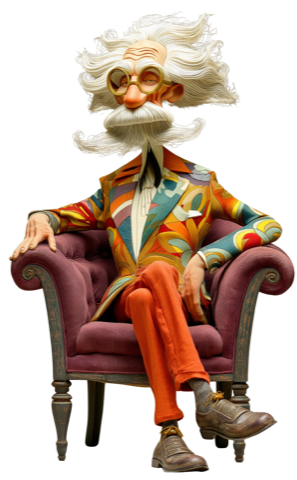
Hundreds of the most incredible questions, answered. Got one of your own? Just ask Professor S.
Signing in is optional, and every app works without it. Signed in, what each app keeps in the account follows your family to a new phone or tablet.
One sign-inA grown-up signs in with their email and a code we send to it. The same email works in every Sparks app.
One PINThe same four digits keep children out of the grown-ups’ settings, in every app and on every device.
One purse of coinsCoins earned reading in Sparks can be spent in Noted’s School Supermarket.
One way to delete it allDeleting the account deletes everything in it, in every Sparks app.
Settings for grown-ups
Ada’s Sparks on this device.
Sparks family
AAdaSparks and Noted
LLeoSparks
NotedLessons, 9 to 14. Your family uses it.Open
SparkTrailsFamily trailsGet it
NewsDaily news, 8 to 12Get it
Ada and Leo are made up. Your own family shows here once you’ve signed in.
Made for children, and nothing else.
What we promise in every Sparks app, and what each app’s privacy notice holds us to.
No adverts. No tracking.
Nothing in the apps advertises to your child, and nothing follows them around the internet.
AI never gets a name.
When an app asks AI to answer a question, or to write a story, lesson or trail, it sends only what that needs, such as the question, topic or place and an age group. Never a child’s name.
Grown-ups hold the PIN.
The settings for grown-ups sit behind a four-digit PIN, so children can’t change them.
Yours to delete.
Erase everything on a device, or delete the whole family account, from the settings for grown-ups, whenever you like.



 SparksAges 6 to 12